just volleyball Multiplayer Guide: Formats, Lobbies, and Match Modifiers
Explore team scaling, online lobbies, custom match modifiers, and quick chat callouts in just volleyball.
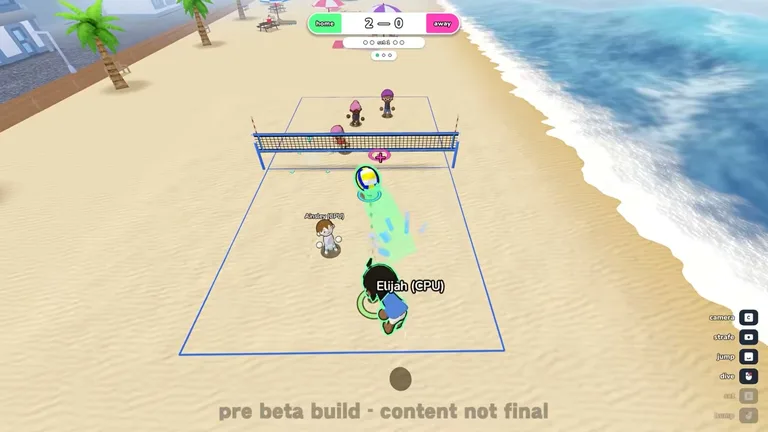
Before queuing for matches, players can master court mechanics by reading beginner fundamentals and three touch rules. For a complete overview of all match regulations and lobby options, read our rules and match settings guide.
Team Sizes and Match Formats
The core arcade experience adapts traditional court mechanics across multiple roster sizes ranging from one on one up to six on six. Supported roster scales encompass team sizes of 1, 2, 3, 4, 5, and 6 athletes per side. Participants can jump into 1v1s, 2v2s, 3v3s, 4v4s, 5v5s, or full 6v6 lineups depending on preference. Every team size preserves standard rally flow and touch limitations outlined in scoring and fault rules.
Online Multiplayer and Bot Practice
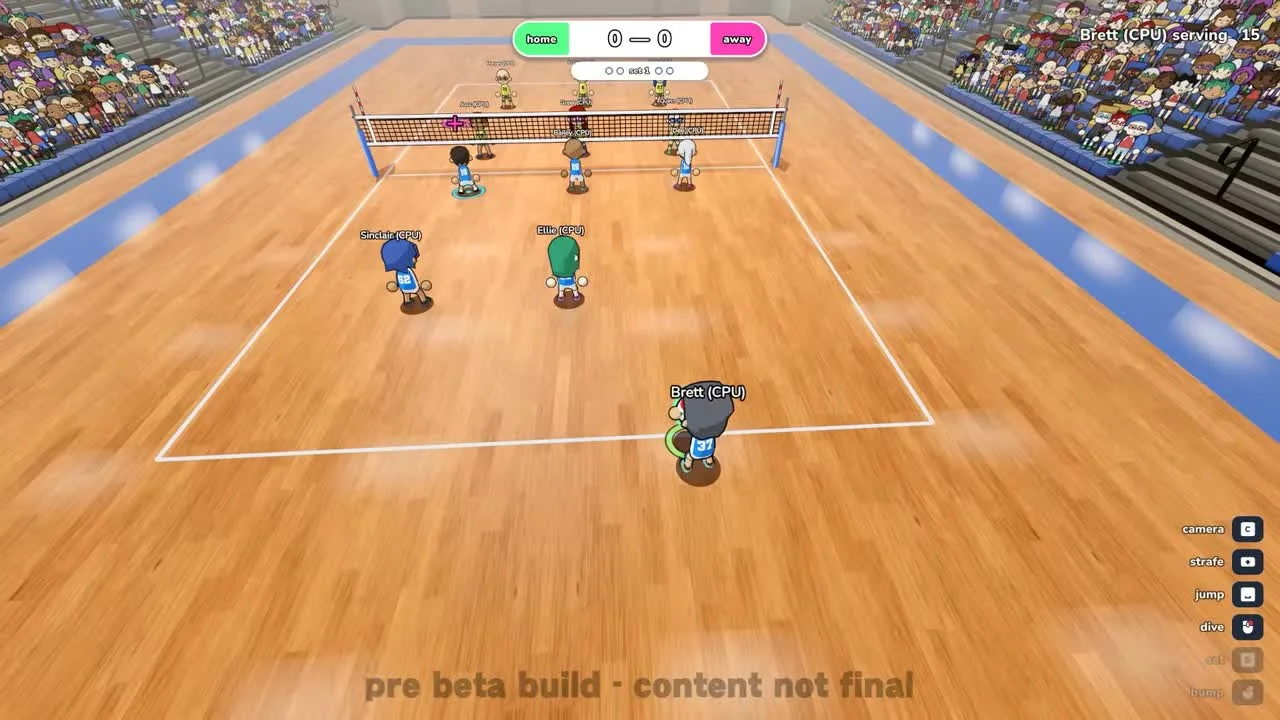
Online matchmaking supports group sessions hosting up to 12 players simultaneously in full squad competition. Solo participants can hone their positioning offline by competing against computer-controlled bots. Training alone with automated teammates lets players master timing before entering public lobbies. Built-in replay functionality enables users to review key match moments and capture highlights.
Custom Lobbies and Match Modifiers
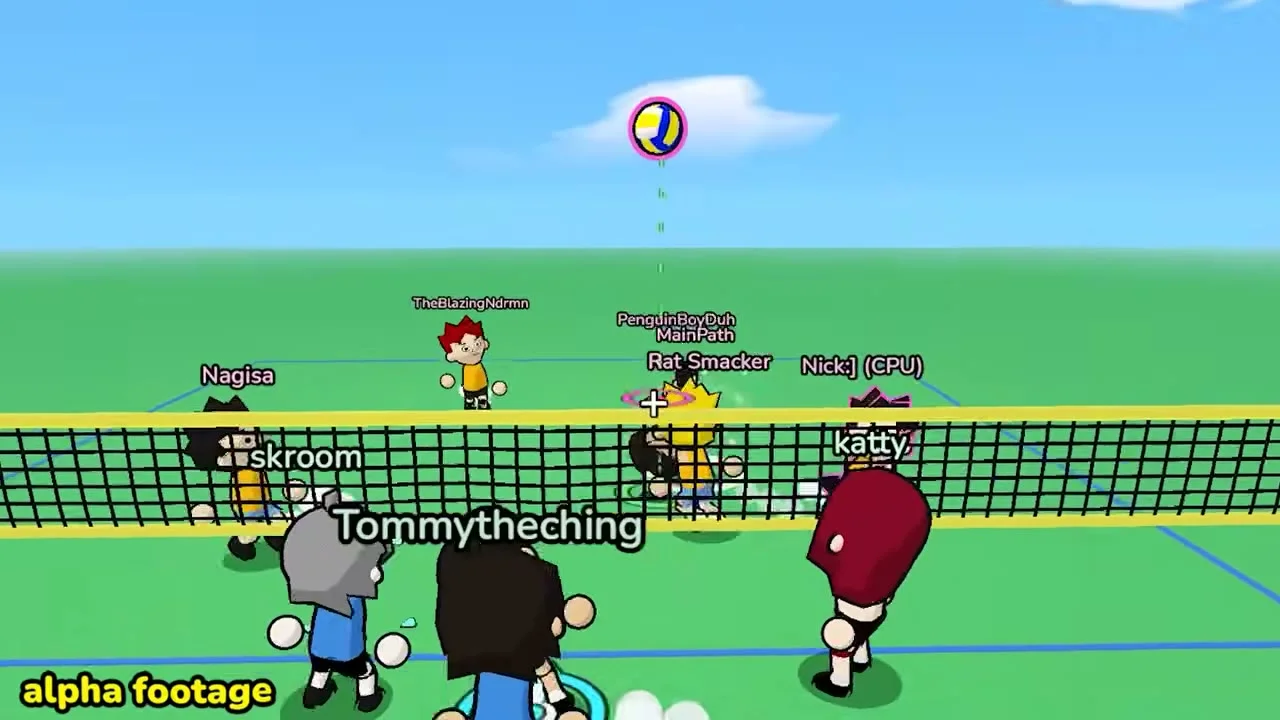
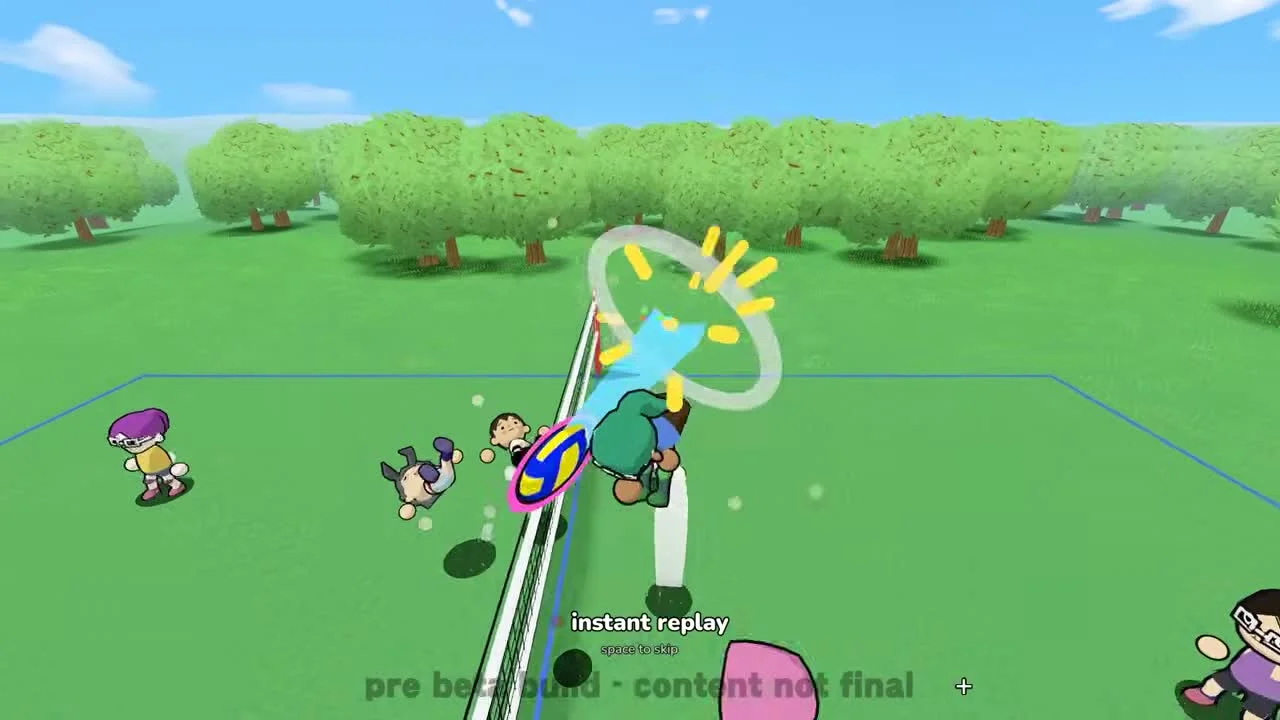
Custom lobby hosts can activate the sweat modifier across off, normal, fast, or chaos presets to adjust rally fatigue. Broadcast playback can be customized because instant replays are enabled by default for crucial points. Serving pace is regulated through a serve timer offering choices of 15s, 20s, 30s, 45s, or 60s. Physical interactions between friendly players are active under the default team collision toggle.
Quick Chat and Communication Systems
Teammates can coordinate through written text chat during active online sessions. Fast-paced exchanges allow athletes to broadcast predefined quick chats using keyboard or gamepad inputs. Spamming phrases is prevented by a rate-limiting burst threshold of 4 messages. Players can customize communication hotkeys and input devices by consulting our guide to keybinds and communications.
Arena Settings and Competitive Play
Multiplayer tournaments often select Nationals Arena to host high-stakes team clashes. This enclosed indoor environment provides consistent sightlines across diverse team configurations.