How to Play just volleyball: Beginner Guide and Core Mechanics
Learn fundamental match rules, court positioning, cursor targeting, and visual ball cues in just volleyball.
Overview and Team Formats
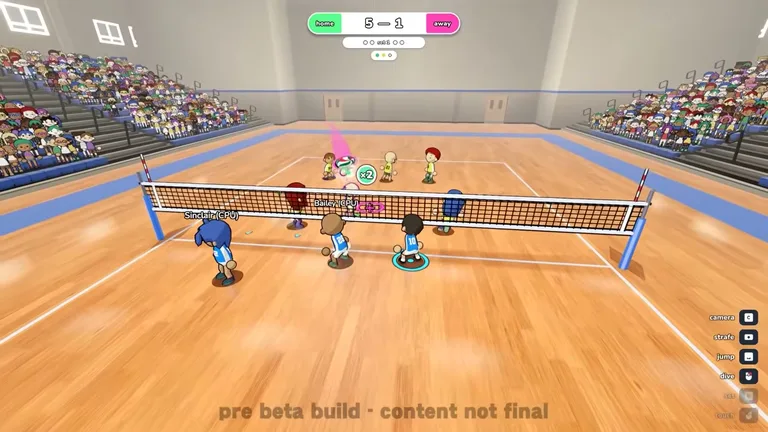
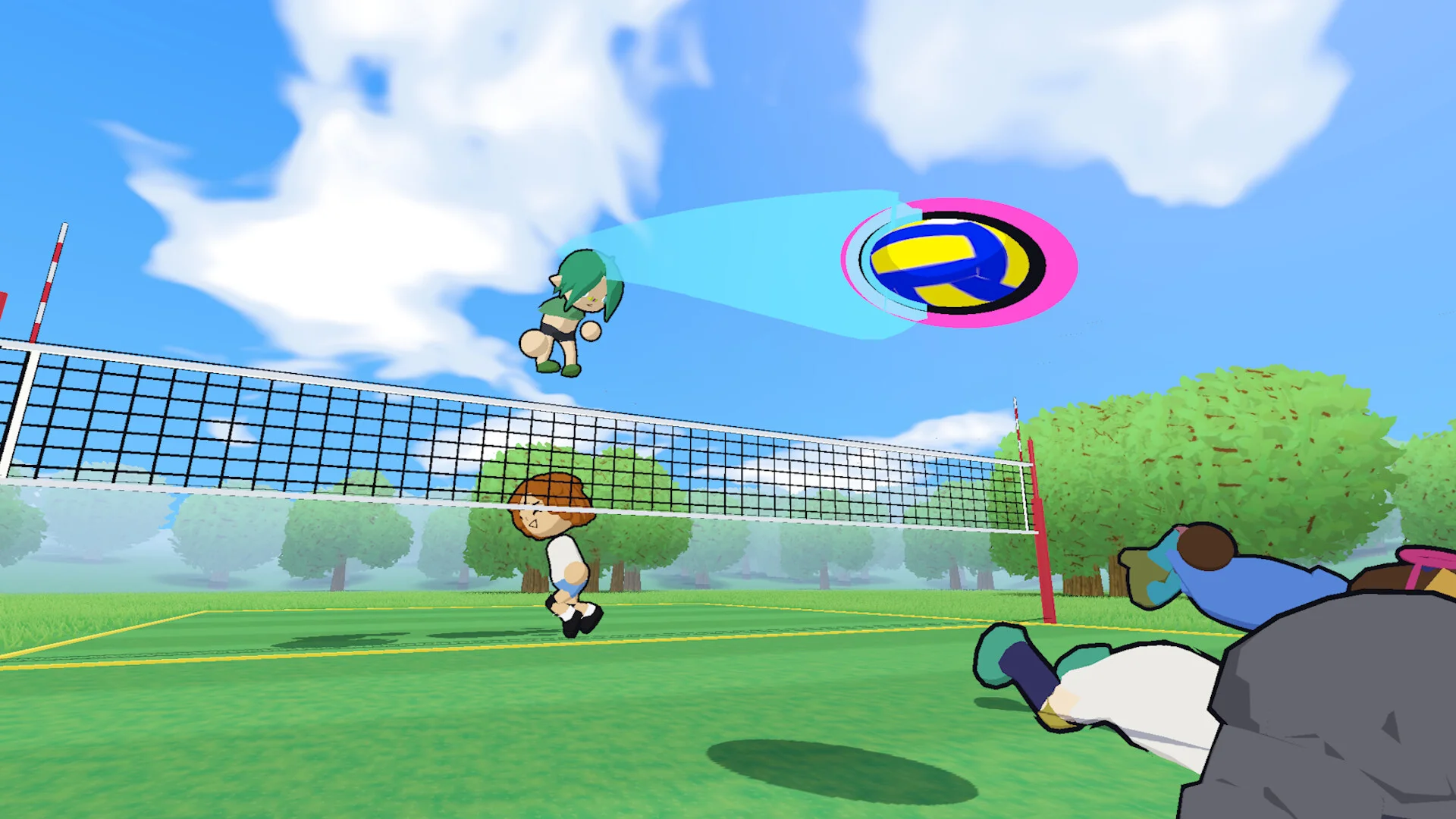
Volleyball is a team sport where two squads are separated by a net and compete to ground the ball on the opponent court. In just volleyball, the core foundations of the sport are adapted into a fast paced arcade gaming experience. Matches support diverse team sizes ranging from one on one duels up to full six on six team showdowns. Succeeding on the court requires grasping essential fundamentals alongside advanced mechanics to control rallies. Configure your keybinds and sensitivity in our controls and settings guide before heading into matches. For an end-to-end breakdown of your first match from launch to winning a set, read our beginner’s guide.
Three Touch Rules and Contact Limits
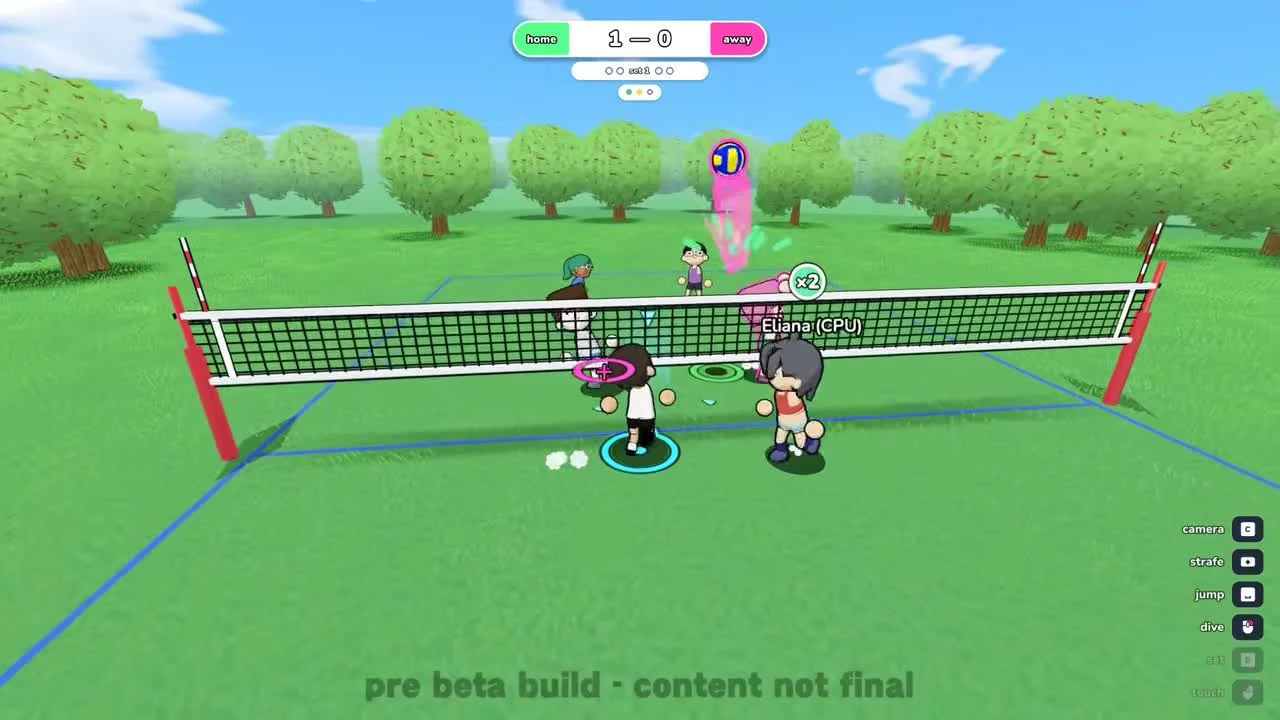
Each side receives a limit of three touches to send the ball back across the net. Defensive blocks at the net do not count toward your team touch allowance. In team matches, an individual player cannot make contact with the ball twice in succession. The single exception occurs in one on one play, where a solo player is permitted three consecutive touches. Read our overview of court rules and faults to master scoring thresholds and boundary calls.
Cursor Aiming and Contact Inputs
Every ball contact in the game is directly steered by the position of your targeting cursor. Passing and offensive spikes follow cursor placement roughly 100 percent of the time, while net blocking shows greater variability. Standard ball contacts utilize Left Click on mouse or RT / R2 triggers on gamepads. Jumping is mapped to Space on keyboard or the A / Cross face button on controllers. Player characters operate with a baseline interaction reach distance of 1.15 units for contacting the ball. Learn how to convert aerial sets into points in our spiking guide.
Visual Indicators and Ball Cues
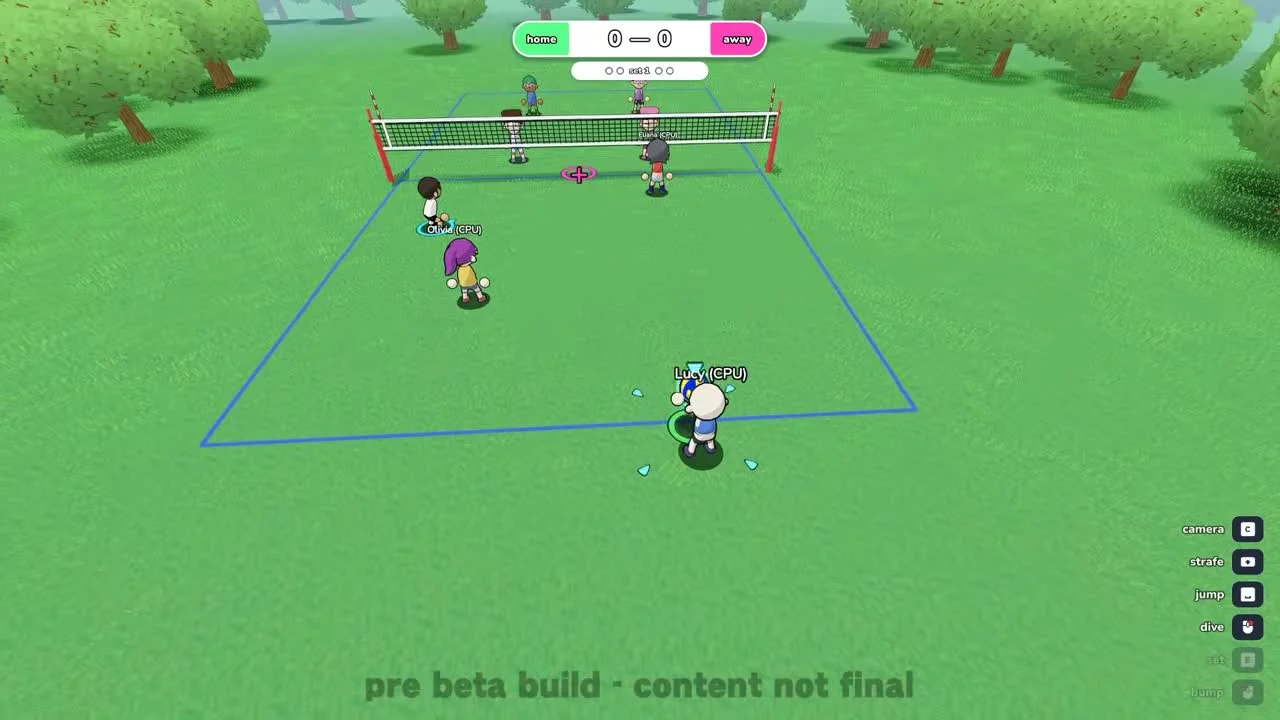
The ring beneath the ball shifts color from green to red as descent nears the court surface. A projected floor marker displays the exact landing coordinate of the trajectory. When an x icon appears under the ball, it signals that you already touched it and cannot strike again immediately. Directional arrows on the ball communicate real-time contact states and input feedback. A blue arrow indicates that the ball is actionable for an incoming hit. A yellow arrow signals that your action is queued for contact. A green arrow indicates that your action succeeded. A grey indicator shows an input pressed too early. A red indicator marks an action that failed or was interrupted. Immediately following an opponent spike, the ball briefly emits a blue glow. During this blue airborne state, players cannot strike the ball midair, though receiving or blocking remains fully permitted. Entering freeplay mode provides an ideal environment to practice movement timing and ball control before joining live lobbies. Discover opening toss techniques in our complete guide to serving mechanics.