How to Chat and Use Callouts in just volleyball: Team Communication Guide
How to open text chat, toggle channels, and trigger tactical callouts to coordinate with teammates in just volleyball.
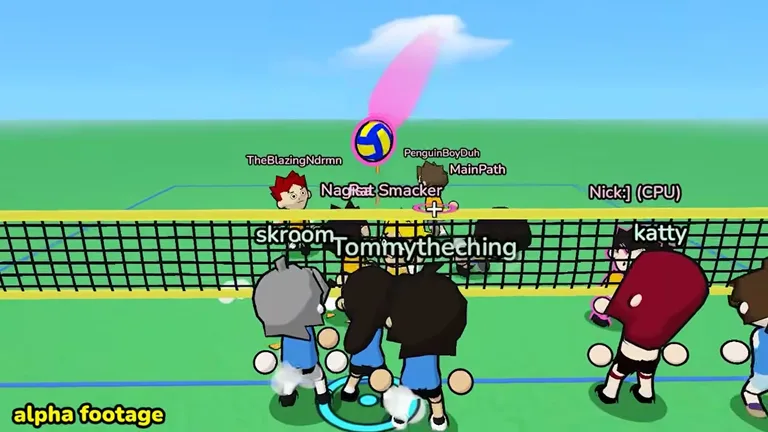
In-Match Text Chat and Quick Calls
In just volleyball, players toggle the in-match chat window by pressing T on keyboard. Participants communicate during online matches using in-game text chat and quick calls. Quick tactical callouts are bound to keyboard keys 1 through 7, or directional D-pad buttons on controllers to communicate your needs. Participants must show proper respect in online matches, or negative consequences can occur. For a comprehensive overview of multiplayer matchmaking and lobby etiquette, see our beginner’s guide.
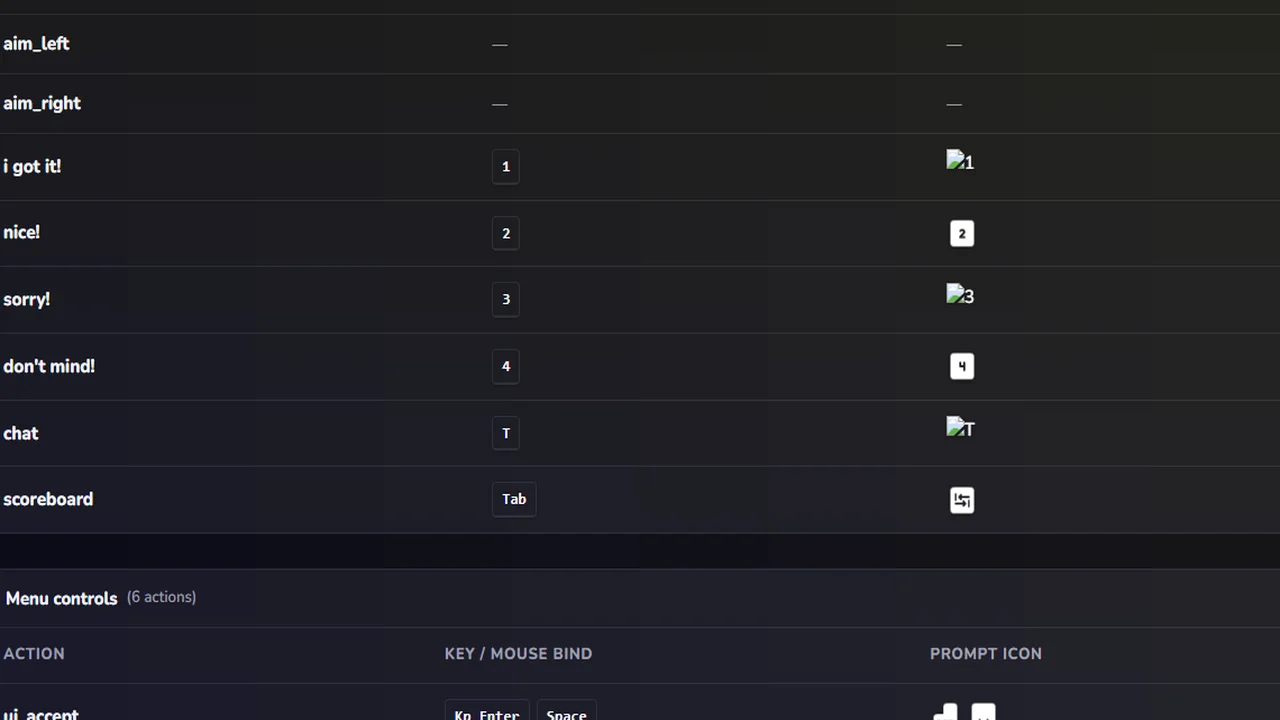
Directional Quick Chats and Rate Limits
Players press D-pad Up on controllers to send callout 1 with the message i got it!. Players press D-pad Right on controllers to send callout 2 with the message nice!. Players press D-pad Down on controllers to send callout 3 with the message sorry!. Players press D-pad Left on controllers to send callout 4 with the message don’t mind!. Chat limits prevent spam by capping rapid messages at a burst threshold of 4 calls. Exceeding callout burst limits activates a temporary cooldown period of 5 seconds. To configure full gamepad mappings and analog controls, check our guide on how to play on controller.