How to Change Camera and Zoom in just volleyball: FOV Settings Guide
Learn how to cycle match camera perspectives and adjust field of view zoom settings in just volleyball.
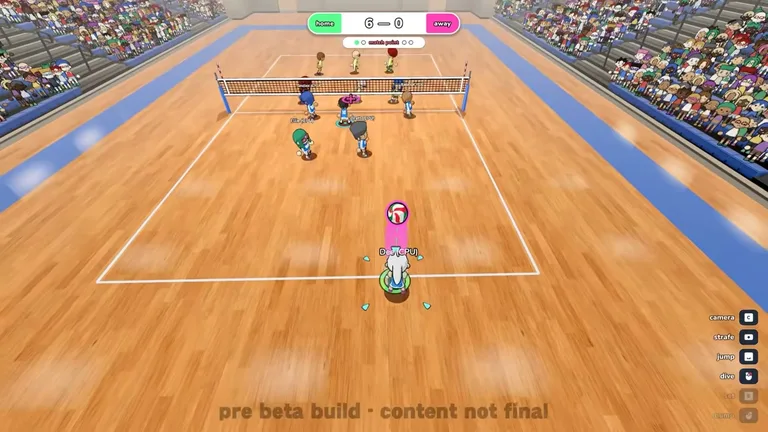
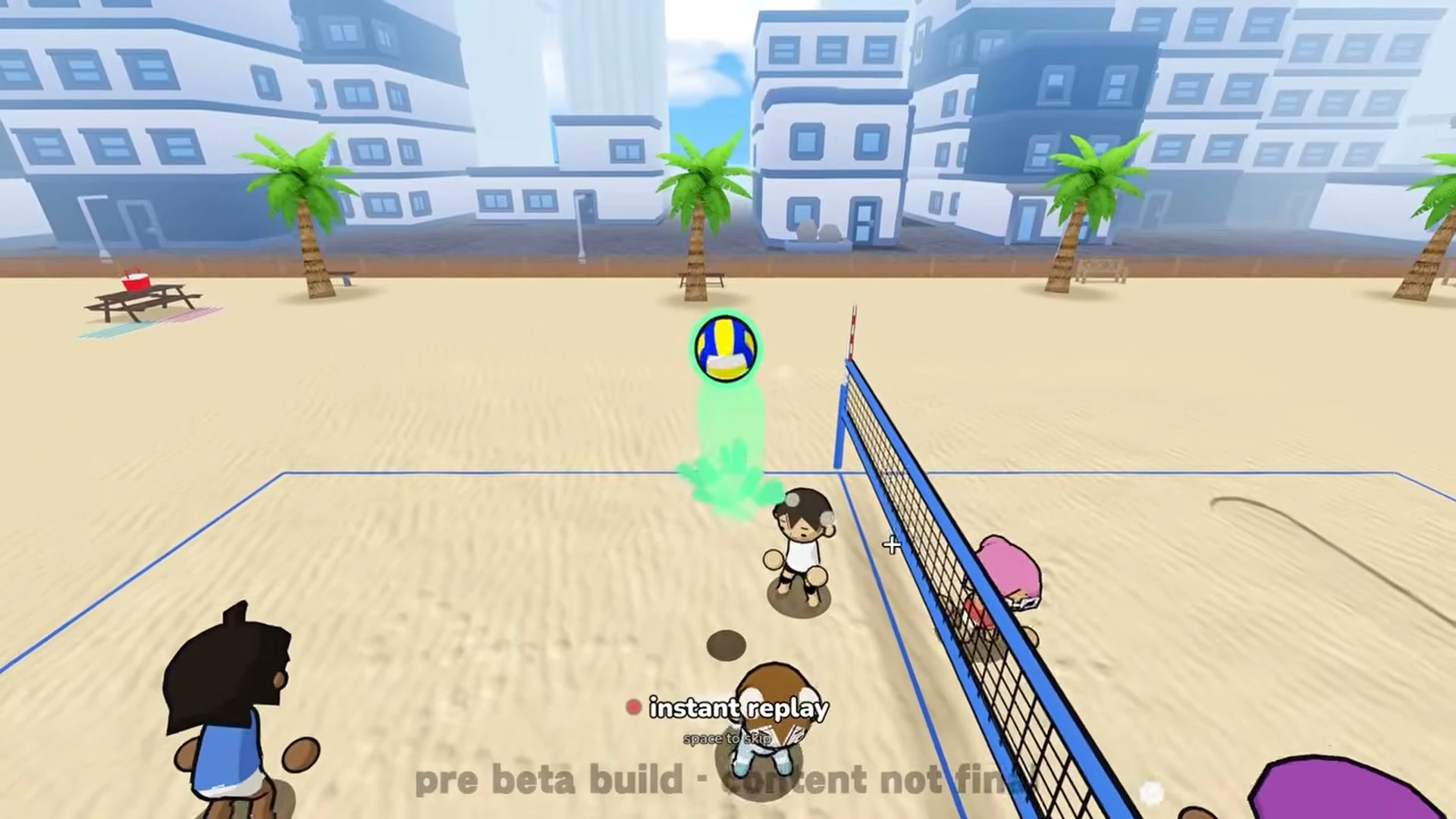
Camera Keybinds and Perspectives
You can cycle match camera angles by pressing C on keyboard or R3 on gamepads. You can adjust zoom in or out by pressing V on keyboard or L3 on gamepads. The default camera follows your player during rallies, while the broadcast camera provides an elevated television style spectator angle. For a complete overview of core court movement and techniques, check our beginner’s guide.
Field of View Zoom Boundaries
Match cameras operate at a baseline field of view of 72.0 degrees. The camera perspective can be tightened down to a minimum field of view of 60.0 degrees. Players can expand their camera perspective up to a maximum field of view of 90.0 degrees. To configure gamepad aiming preferences alongside your camera setup, see our guide on how to recentre aim.