How to Play With Friends in just volleyball: Online Lobbies Guide
How to create private lobbies, invite friends on Steam, and customize match rules in just volleyball.
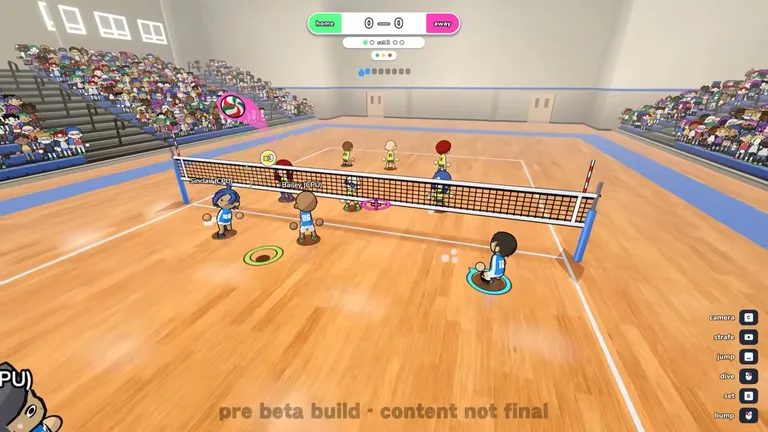
Players can host public or private custom lobbies with password protection, select team sizes from 1v1 up to 6v6, and invite Steam friends directly. Online multiplayer allows players to connect over network play across competitive or casual squad matchups.
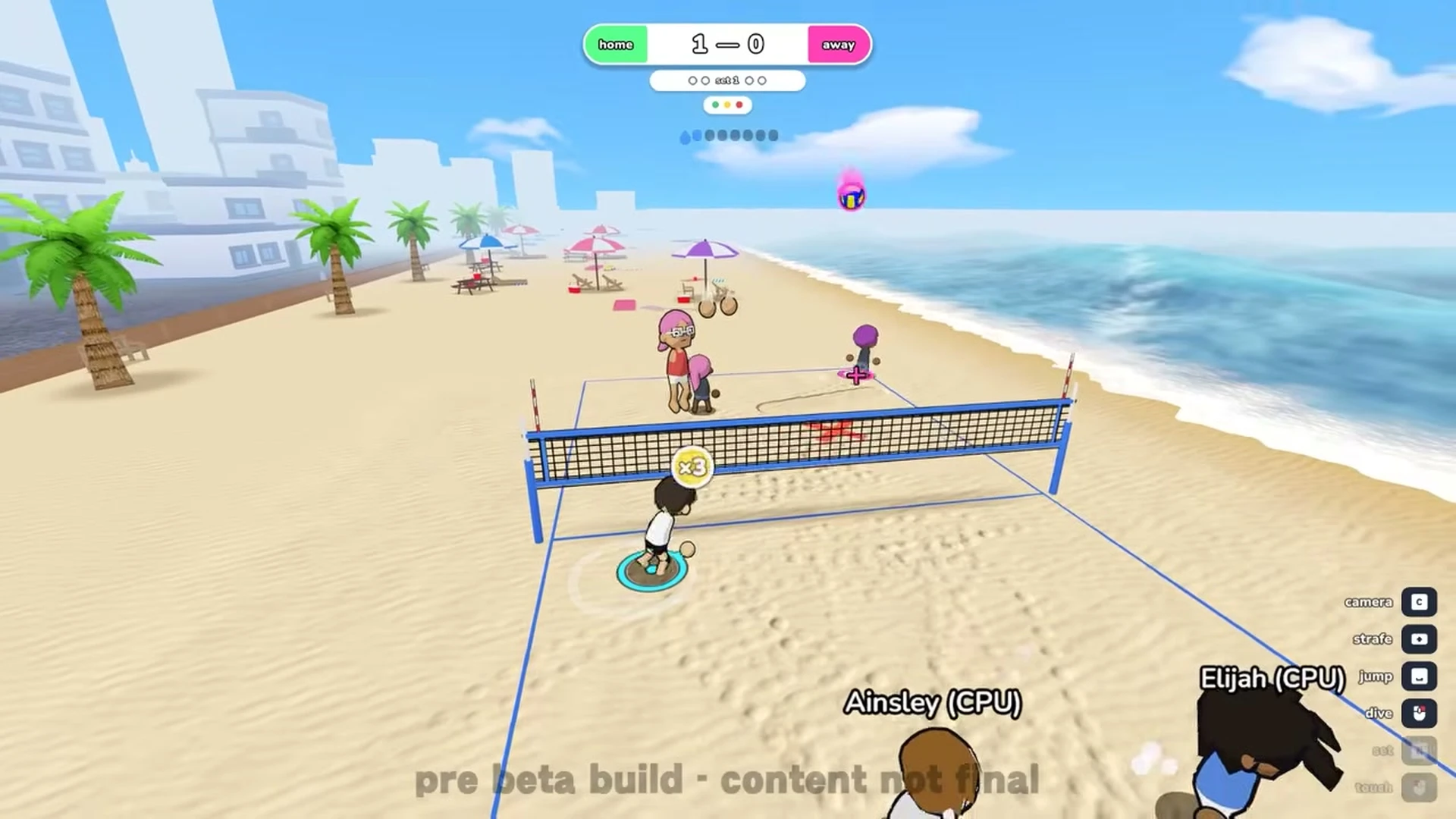
Before creating a multiplayer party, learn essential court controls and rally flow in our beginner’s guide.
Custom Match Rules and Modifiers
Lobby creators can customize match tempo by adjusting the sweat modifier across off, normal, fast, or chaos presets. Hosts can toggle team collision to enable physical bumps between teammates on court. Serving pace can also be regulated with a serve timer set to 15s, 20s, 30s, 45s, or 60s.
Team Scaling and Formats
Court lineups scale from one on one duels up to five on five contests and full six on six matches. If you want to practice solo against automated bots instead, read our guide on offline CPU matches.